What to do when disaster strikes: Recovering from malicious attacks
Believe it or not, a great cyber security strategy doesn’t just focus on how to avoid cyber attacks – it also tells you what to do if your business IS targeted. Because honestly, it’s impossible to have completely watertight systems if you and your team want your tech to be useable. So, if your network […]
Beware these common ‘malvertising’ attacks
Ever clicked an online ad and wondered afterwards if it was a scam?… most of us have – and cyber criminals want us to keep doing it. Here’s what to look out for to stop your business’s data (and profits) falling into the wrong hands…
How to create secure passwords
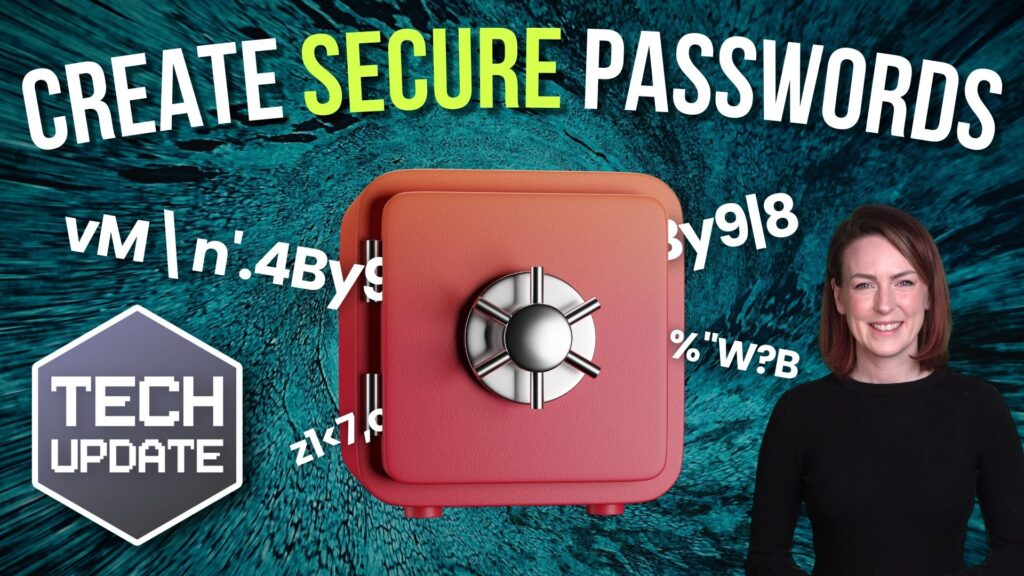
Weak passwords are one of the biggest security risks to your business.
Why?
Because cyber criminals are getting smarter than ever before. If they manage to crack just one password, they could gain access to your sensitive business data, financial information, or even gain control of your entire system.
Cyber criminals use automated tools to guess passwords, allowing them to try out millions of combinations in seconds. So, if you’re using something like “Password123” or “CompanyName2025”, you’re practically handing them the keys to your business.
A compromised password can lead to big issues, such as:
• Data breaches
• Financial losses
• Identity theft
• Reputation damage
But how do you create strong passwords without driving yourself (and your team) mad?
Think of your password like a secret recipe, where only you should know the ingredients. It should:
• Be at least 14 characters long (the longer, the better)
• Include a mix of uppercase and lowercase letters
• Contain a few numbers and symbols (like @, $, %, or &)
• Not contain any common words or easily guessable information (like birthdays, names, or the word “password”)
Instead of using a single word, you could try a passphrase – a short, random sentence that only you would understand. For example, instead of “Sailing2025”, try something like “Coffee&CloudsAreGreat9!”. This is much harder to crack, yet still easy to remember.
You should also steer clear of these common mistakes:
• Using personal info (your name, birthday, business name, etc.)
• Reusing the same passwords across multiple accounts
• Using simple sequences (“123456” or “abcdef”)
• Storing passwords in an easily accessible place (like a sticky note on your desk)
If remembering unique passwords for every account sounds impossible, there is another option: Password managers. These generate strong passwords, store them securely and autofill them for you.
With a password manager, you only need to remember one strong master password for the manager app itself. The rest are encrypted and stored safely, reducing the risk of data breaches.
Even the strongest password isn’t foolproof, which is why multi-factor authentication (MFA) is also important. MFA requires a second form of verification, like a one-time code sent to your phone or generated from an authentication app.
If you have employees accessing your business systems, it’s a good idea to have a password policy in place to explain your rules and why they’re important. This should include:
• Unique passwords for each system and account
• Regular security training on password best practices
• Business-wide use of MFA for critical systems
• Scanning for compromised passwords regularly
By making password security a priority, you can reduce the chances of a cyber attack creating a nightmare for your business.
And if you need help making your business more secure, get in touch.
How Copilot Wave 2 can boost your business

Imagine having an assistant that organised your inbox, summarised meetings and documents, or even analysed business data without complaining. Now imagine you didn’t even have to pay this assistant. Too good to be true, right? Wrong. This is exactly what Microsoft Copilot can do for your business. And with Wave 2, there’s even more it […]
Bring your own device: Dos and don’ts for your business
Should you encourage your team to use personal phones, laptops and tablets for work? It can be helpful for productivity and motivation. BUT only if you do it the right way. That means making sure you have the right rules and protections in place to keep your data and your business safe and secure. Watch […]
This is why your business needs Microsoft 365 Business Premium
Microsoft 365 Business Standard comes with all the tools you need for a growing business, right? Well, not necessarily. You see, as your business grows, so do the risks. Your priority should be keeping your business protected from challenges like cyber attacks and data loss. Our latest video explains why upgrading to Microsoft 365 Business […]
This is the year Windows 10 dies: How to prepare your business
This October we say goodbye to Windows 10. Microsoft is ending free support. And, if you’re still using it, that will have an impact on your business. How can you keep your data secure and your business running smoothly? Our latest video lays out your options, and what you need to start thinking about now.
How to choose the right new hardware for your business
PCs taking too long to wake up? Internet taking more coffee breaks than you do? It might be time to upgrade your hardware. But with so much choice, where do you start? How do you know what the right equipment is for your business? Our latest video explains everything you need to think about, from […]
Cloud Telephony vs. VOIP – which is best for your business?
You know it’s time to upgrade your business phone system when you start to hear your staff complaining about it. Dropped calls, long wait times, and difficulty reaching the right person is frustrating for you… and worse for your customers. But there is a better solution. Our latest video explains what Cloud Telephony and VoIP […]
What does your email signature give away about you?

You may think of your email signature as a digital business card. It lets people know the different ways they can contact you. It might also strengthen your business branding. But have you ever stopped to think how all that information can be used for bad? Cyber criminals can use your email signature to pretend […]